




SAP Dashboard extension
1.0
 Extension » ext-sap-dashboard
Last update: 2026-08-04 08:34:50

Description
SAP Dashbaord view extension for console visual
Images
Additional information
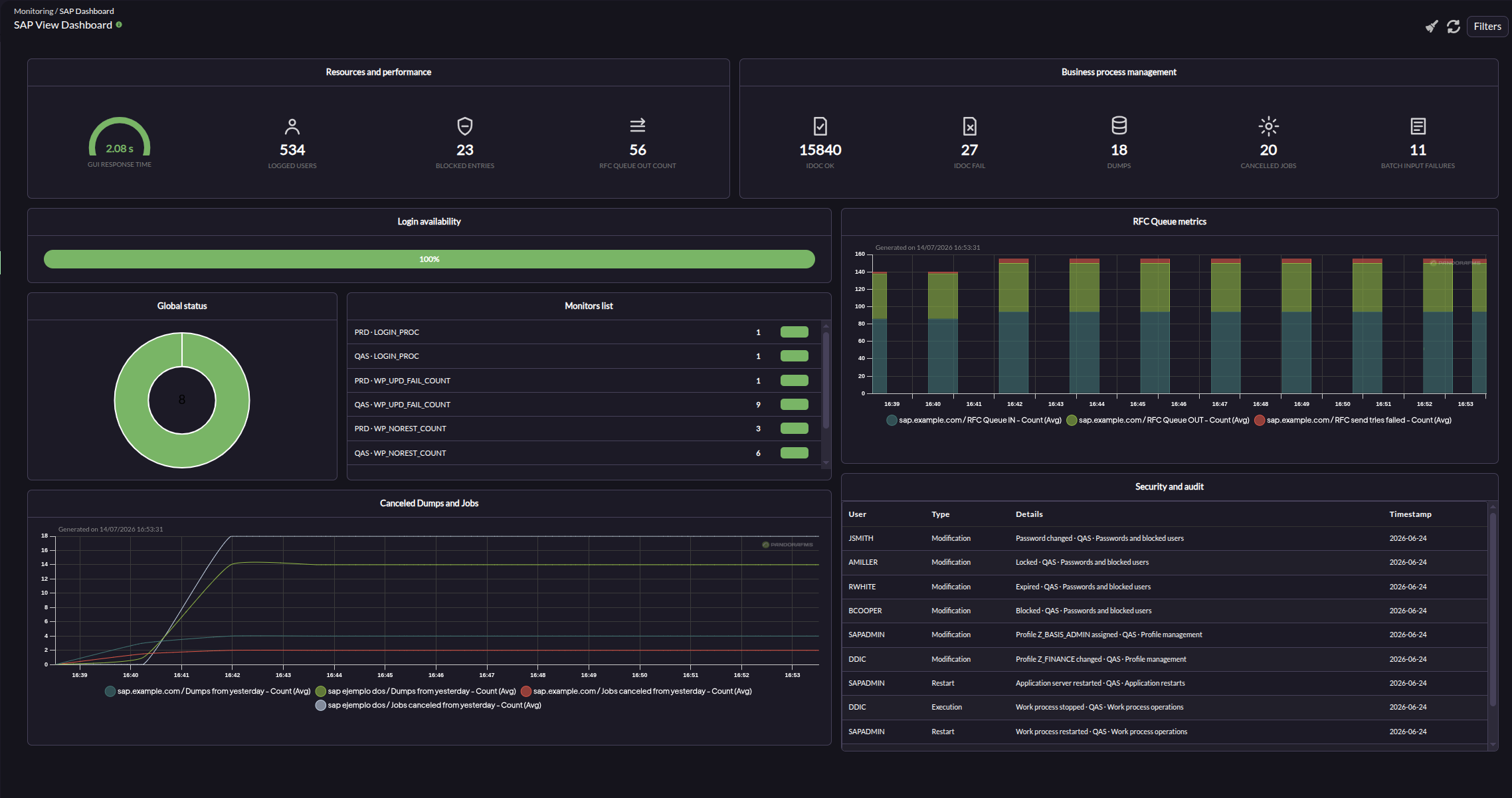
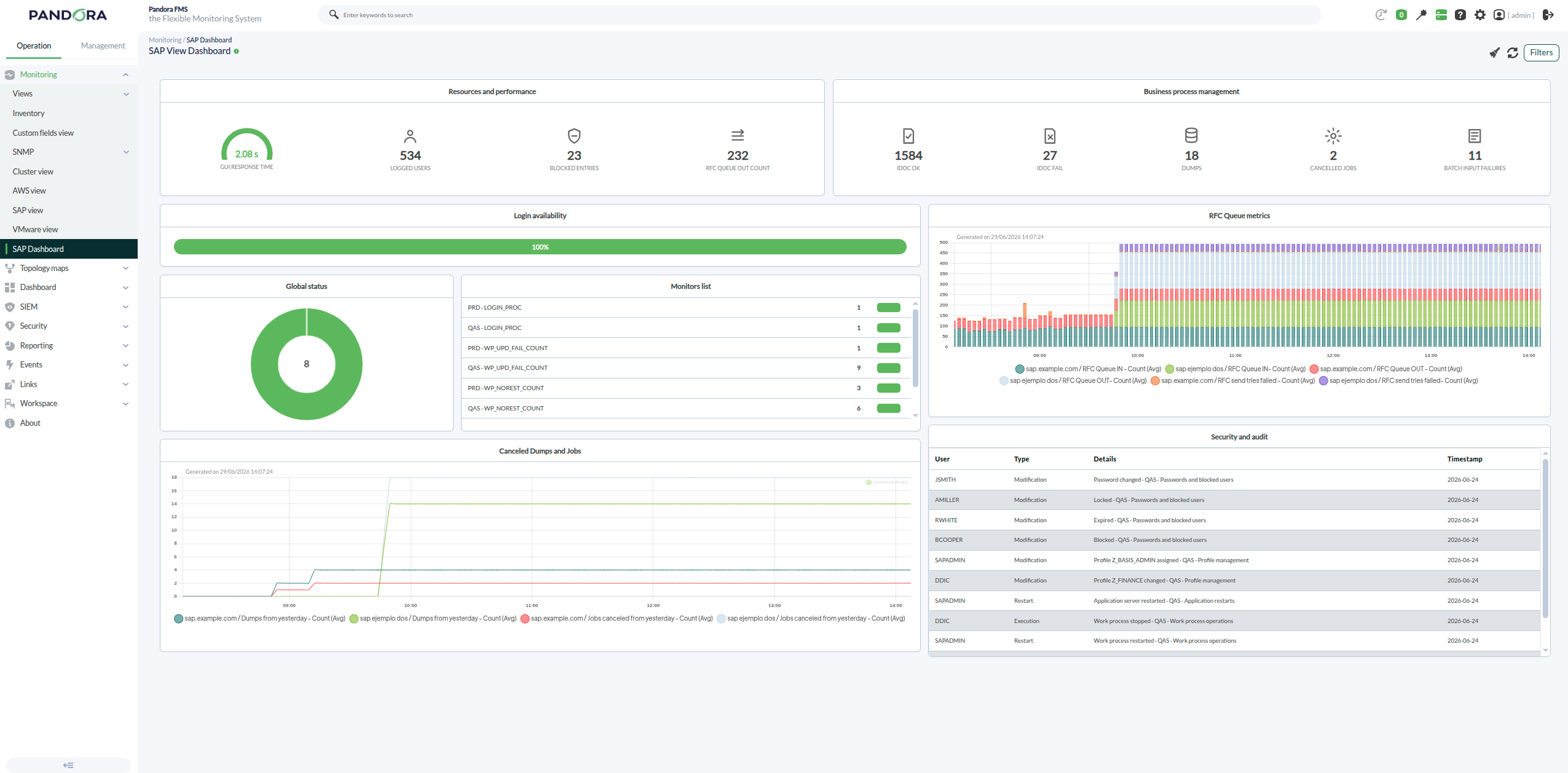
"SAP Dashboard" — a console extension that adds a status view (under the Monitoring menu) showing a dashboard for the SAP monitoring data generated by the SAP discovery plugin (pandorafms.sap.deset).
- Auto-detects existing SIDs (SAP systems) from the agents/modules created by the SAP discovery task.
- Lets you filter by SID (or "All") and by time period, using the standard console FilterMenu.
- Resolves SAP modules by code with backward compatibility for the legacy format), showing status, last numeric value, and time-weighted (login) availability per SID.
- If no SAP data exists, it shows an empty-state view with a direct link to the SAP Discovery task creation wizard.
Requires ER/EW/EM/PM permissions on group "All" (group 0); otherwise access is denied and the attempt is audited.
Installation via Extension Uploader
1. Upload: in the console, go to Management - Admin Tools - Extension manager → Extension Uploader (godmode/setup/setup_extensions in older versions / extensions/extension_uploader) and upload the zip file. It's important to mark the checkbox for the Upload Enterprise extension.
2. Location after install: the uploader extracts the zip into /enterprise/extensions/sap_dashboard/, resulting in:
- enterprise/extensions/sap_dashboard.php
- enterprise/extensions/sap_dashboard/sap_dashboard.main.php
- enterprise/extensions/sap_dashboard/functions_sap_dashboard.php
- enterprise/extensions/sap_dashboard/sap_dashboard.ajax.php
- enterprise/extensions/sap_dashboard/sap_dashboard.css
3. Usage: once uploaded, it becomes available under Monitoring → SAP Dashboard (extension name "SAP Dashboard", registered under the estado menu group).
Tags
Categories
×
![]()
Newest from same author
Newest in same categories
Newest with same tags
